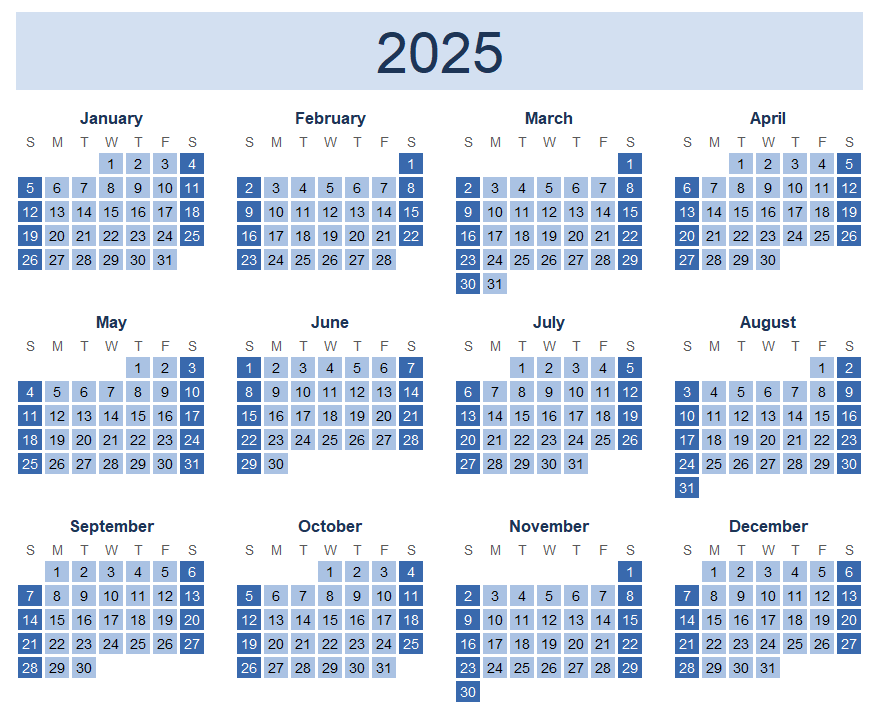
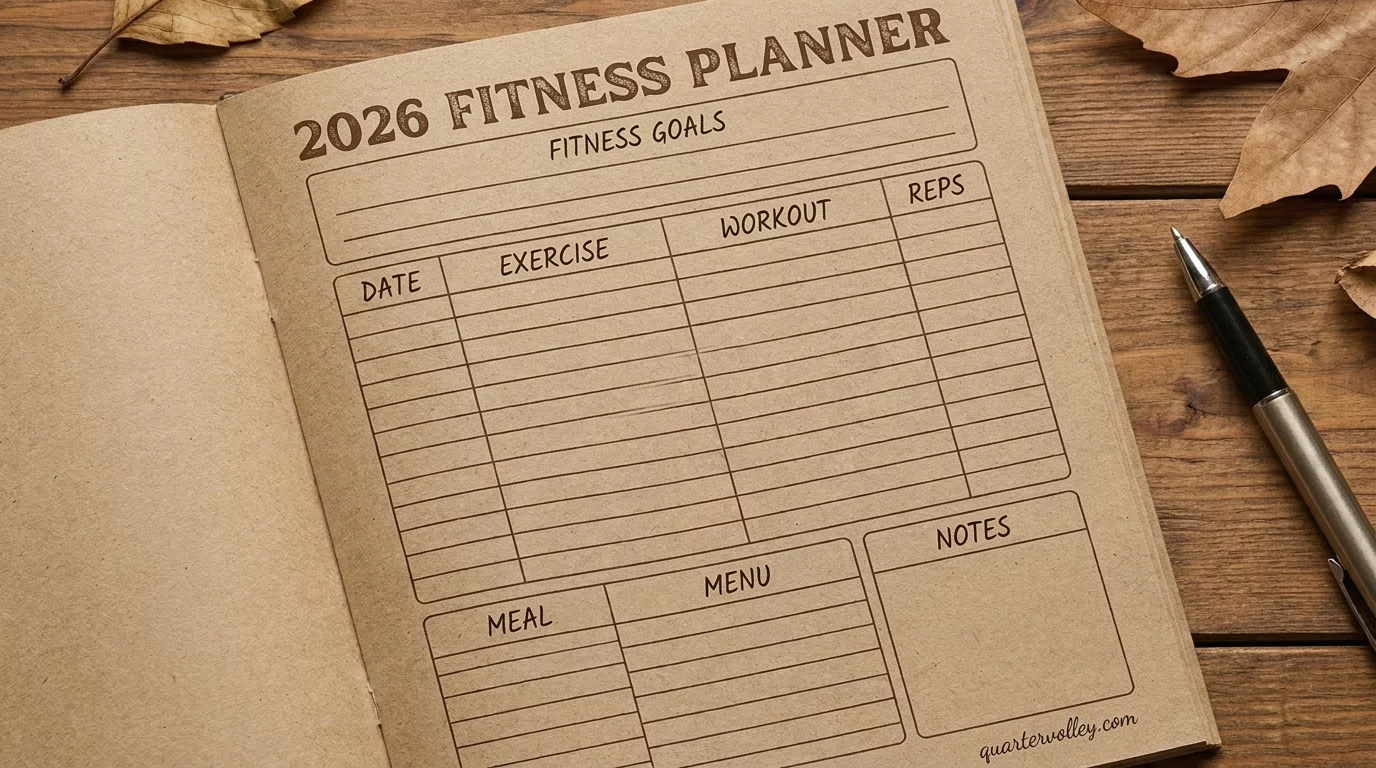
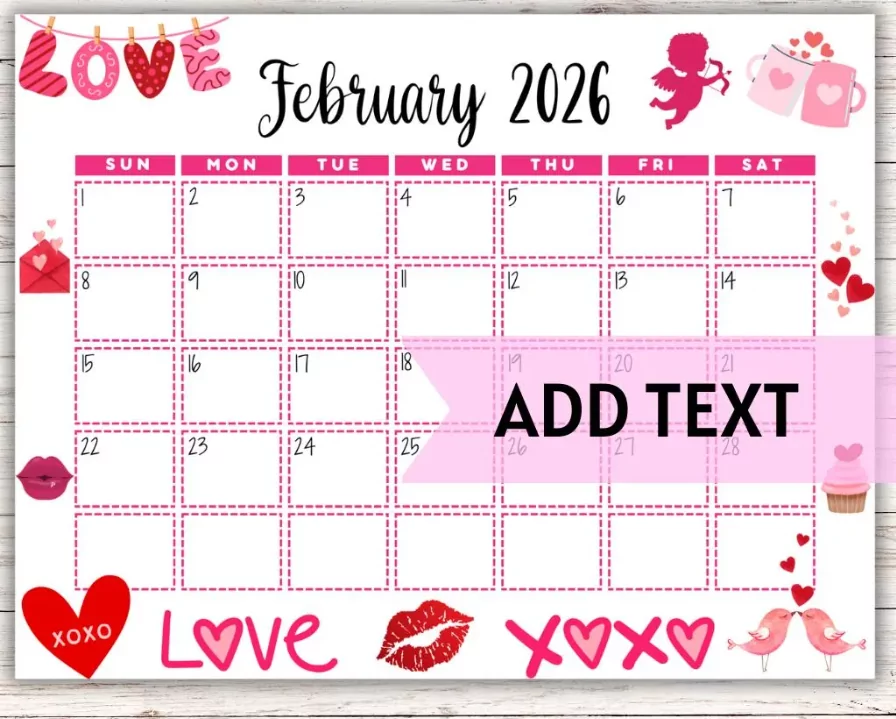
Digital calendar templates optimized for tablets and devices revolutionize scheduling by providing responsive, touch-friendly interfaces accessible anywhere. The 2025 Digital Calendar Template for tablets combines functionality with intuitive design, supporting stylus input, gesture controls, and seamless synchronization across devices. This guide explores digital calendar templates specifically designed for tablet and device use, covering design principles, feature considerations, and implementation recommendations.
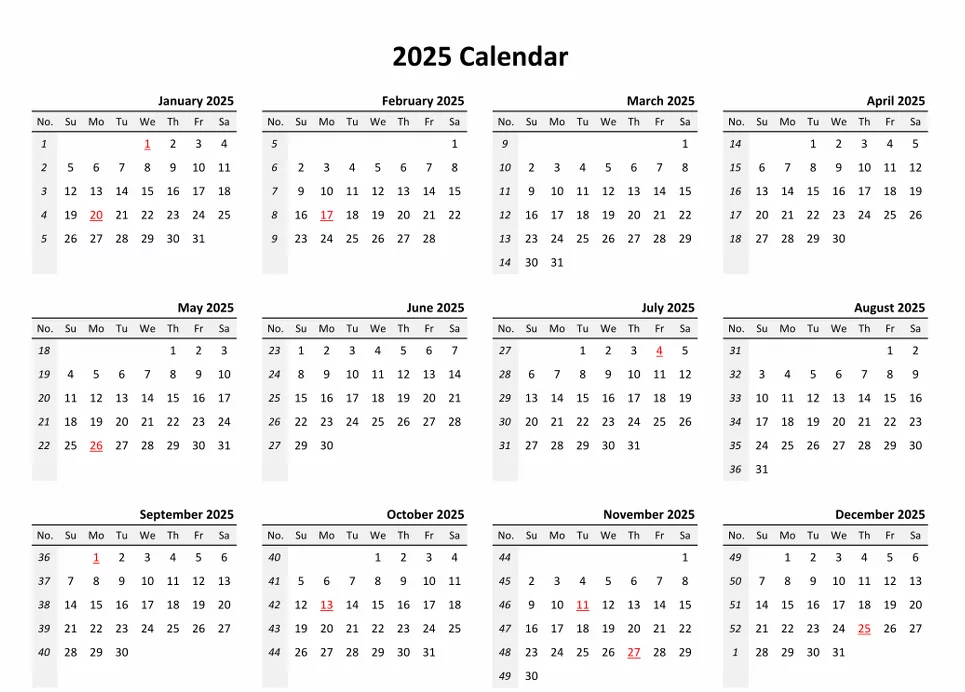
Why Tablet-Optimized Digital Calendars Matter
- Portability: Tablets combine desktop functionality with mobile convenience for on-the-go scheduling.
- Screen real estate: Larger screens than phones display more calendar information simultaneously.
- Stylus support: Handwriting input enables natural note-taking directly on calendar entries.
- Multitasking: Split-screen functionality allows calendar alongside other productivity apps.
- Synchronization: Cloud-based templates sync instantly across phones, tablets, and computers.
Key Features of Tablet-Optimized Calendar Templates
Responsive Design Elements
- Flexible layouts: Calendars adapt to portrait and landscape orientations
- Touch optimization: Large tap targets (minimum 48×48 pixels) for accurate finger/stylus input
- Dynamic sizing: Calendar grids scale appropriately to tablet screen dimensions
- Readable typography: Fonts remain legible at various screen sizes and zoom levels
- Color optimization: Consistent color rendering across display technologies (LCD, OLED, etc.)
Tablet-Specific Functionality
- Handwriting recognition converting stylus notes to text
- Gesture controls (swipe for month navigation, pinch for zoom)
- Split-screen calendar + notes or calendar + to-do list viewing
- Offline capability with automatic cloud sync when connected
- Pressure-sensitive stylus support for varied line weights in annotations
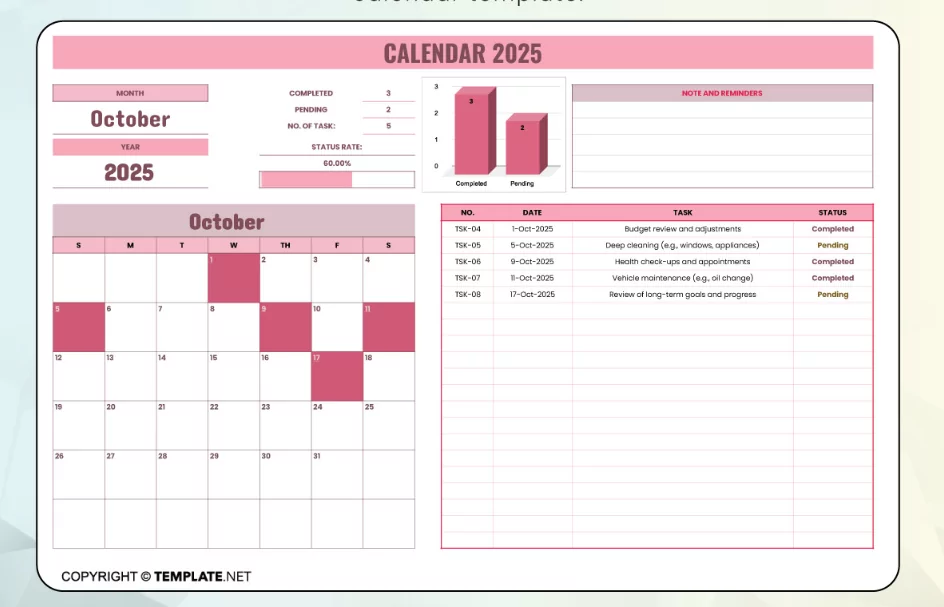
Popular Digital Calendar Templates for Tablets 2025
1. Apple Calendar for iPad
Best For: iPad users seeking native integration with Apple ecosystem
Apple’s native Calendar app is optimized for iPad with full-screen calendar views, gesture navigation, and seamless iCloud synchronization. The Split View feature enables simultaneous calendar and Notes/Mail viewing.
Features
- Month, week, and day views with responsive layouts
- Natural language event creation (“Lunch with Sarah tomorrow at noon”)
- iCloud synchronization across all Apple devices
- Siri voice control for hands-free scheduling
- Integration with other Apple apps (Maps, Mail, Contacts)
2. Google Calendar for Tablets
Best For: Users already invested in Google Workspace ecosystem
Google Calendar’s tablet-optimized web interface and native Android app provide flexible calendar management with robust sharing and collaboration features.
Features
- Responsive web design supporting all tablets
- Native Android app with full functionality
- Multi-calendar overlay and color-coding
- Real-time sharing and guest management
- Integration with Gmail for automatic event extraction
3. Notability for iPad (Calendar + Notes)
Best For: iPad users combining calendar with handwritten notes
Notability combines digital note-taking with calendar functionality, allowing handwritten annotations directly on calendar entries. Pressure-sensitive stylus support creates natural writing experience.
Features
- Infinite canvas for handwritten calendar planning
- Pressure-sensitive stylus with palm rejection
- Text recognition converting handwriting to searchable text
- Cloud synchronization across devices
- PDF annotation for importing printed calendars
4. GoodNotes 5 for iPad
Best For: Users wanting customizable digital planner experience
GoodNotes 5 provides digital planner templates with handwriting capabilities, enabling users to create personalized calendar and planning systems.
Features
- Digital planner templates (monthly, weekly, daily)
- Premium stylus experience with low latency
- PDF import for custom calendar designs
- Infinite workspace for planning flexibility
- iCloud synchronization
5. Microsoft Outlook for iPad/Android Tablets
Best For: Microsoft 365 users seeking enterprise-grade calendar
Outlook’s tablet-optimized interface provides sophisticated calendar management with Exchange integration and advanced permissions for business users.
Features
- Responsive design for tablet screens
- Exchange calendar synchronization
- Advanced delegate permissions
- Meeting room resource booking
- Integration with Microsoft Teams for video meetings
6. Fantastical for iPad
Best For: iPad users seeking premium calendar + task management
Fantastical combines calendar and task management with natural language event creation and intelligent scheduling assistance.
Features
- Natural language event parsing (“Coffee with Alex Wednesday 10am”)
- Task and calendar integration
- Multiple calendar overlay
- Sophisticated search and filtering
- iCloud synchronization
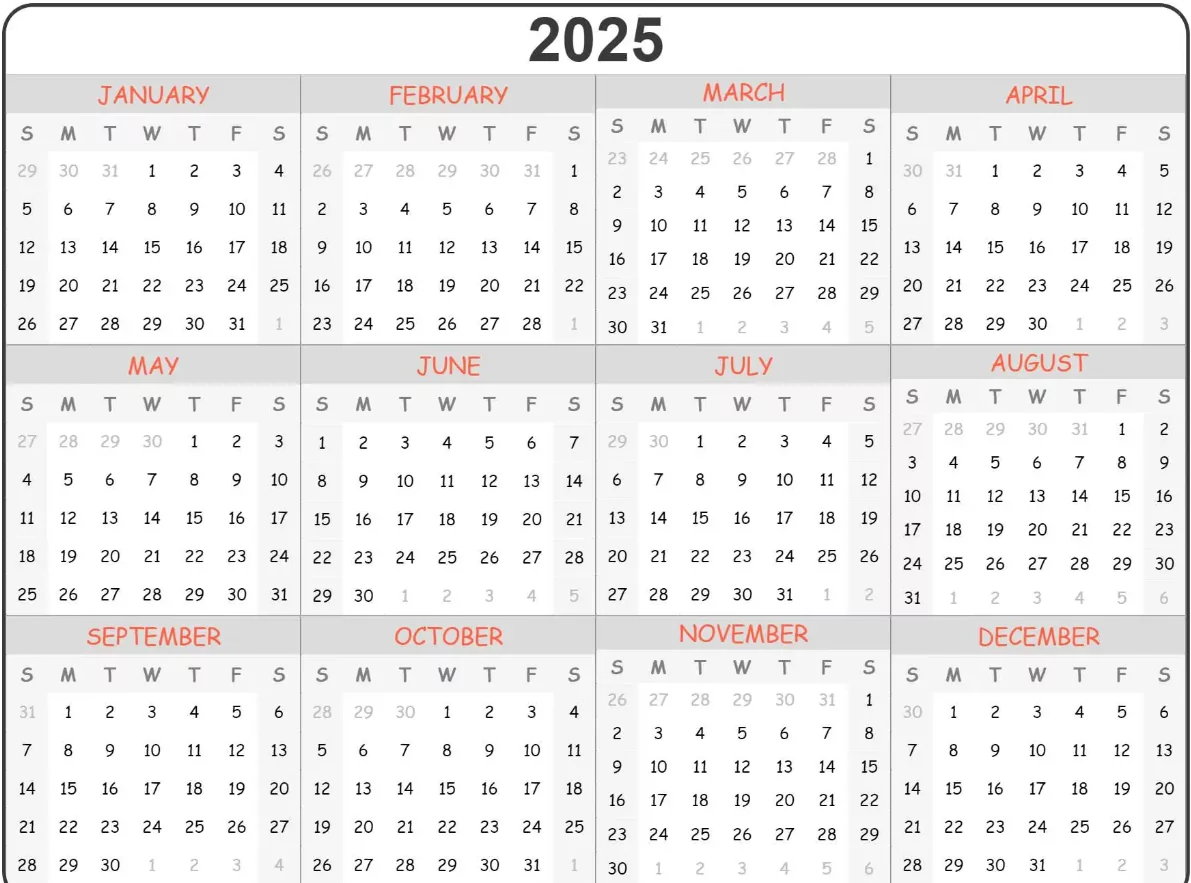
Digital Calendar Template Specifications for Tablets
Screen Size Considerations
| Tablet Type | Screen Size | Resolution | Optimal Calendar View |
|---|---|---|---|
| iPad Mini | 7.9″ | 2048×1536 | Week or Day view |
| iPad (Standard) | 10.9″ | 2560×1600 | Month view recommended |
| iPad Pro | 11-12.9″ | 2388×1668 – 2732×2048 | Multi-view (Month + Details) |
| Android 7-10″ | 7-10″ | Various | Week or Month view |
| Android 12″ | 12″ | 1920×1280 | Month view or split-screen |
Recommended Design Elements
- Margins: 16-20px on all sides for comfortable touch input
- Grid spacing: Minimum 60x60px cells for month view to accommodate touch
- Font sizes: Minimum 14pt for body text, 18pt for headers
- Color contrast: WCAG AA compliant (4.5:1 minimum ratio)
- Button sizes: Minimum 44x44px for touch targets
Customizable Digital Calendar Templates
Template 1: Minimalist Monthly View
Features:
- Clean grid layout with ample whitespace
- Color-coded event categories
- Touch-friendly date selection
- Event detail panel for tap-to-view information
- Week number display on left margin
Template 2: Split-Screen Week View
Features:
- Week calendar on left half
- Daily detail view on right half
- Time-blocked hourly schedule
- Quick event creation from either pane
- Gesture-based navigation between weeks
Template 3: Goal-Oriented Planner
Features:
- Annual goal summary at top
- Monthly objectives highlighted
- Weekly themes displayed
- Daily MITs prominently featured
- Progress tracking indicators
Template 4: Handwritten Planner (Digital)
Features:
- Blank pages for stylus writing
- Calendar grid overlay for reference
- Date headers for organization
- Customizable layouts per user preference
- Text recognition for searchability
Template 5: Business Calendar with CRM Integration
Features:
- Client meeting tracking
- Project milestone visualization
- Resource allocation indicators
- Team availability overview
- Integration with contact management
Best Practices for Digital Calendar Templates on Tablets
- Test responsiveness: Verify layouts on multiple tablet sizes and orientations
- Optimize touch interaction: Ensure all buttons and controls are comfortable to tap
- Enable offline functionality: Allow calendar viewing and editing without internet connection
- Provide stylus support: Test handwriting input with Apple Pencil or Android stylus
- Ensure fast synchronization: Changes should sync within seconds across devices
- Include dark mode option: Reduce eye strain during extended use
Creating Your Own Digital Calendar Template
Using Google Sheets/Excel for Tablet Display
- Create calendar grid with dates
- Format for tablet screen dimensions
- Use conditional formatting for color-coding
- Test on tablet device for readability and responsiveness
- Save to cloud storage (Google Drive, OneDrive) for syncing
Using Notion for Customizable Templates
- Create database with calendar view
- Customize properties (date, time, category, etc.)
- Test on tablet web and mobile app
- Add custom templates for recurring events
- Enable offline access through Notion app
Using PDF Templates with Markup Apps
- Create calendar template in design software (Canva, Adobe)
- Export as PDF
- Import into markup apps (GoodNotes, Notability, Apple Notes)
- Annotate with stylus directly on template
- Save digital copies with handwritten entries
Syncing Strategies Across Devices
- Cloud services: iCloud (Apple), Google Drive (Google), OneDrive (Microsoft)
- Automatic syncing: Enable background sync for real-time updates
- Conflict resolution: Use latest-modified-wins strategy for simultaneous edits
- Backup protocols: Regular backups prevent data loss from device failures
- Access control: Set appropriate sharing permissions for collaborative calendars
Productivity Enhancements for Tablet Calendars
- Use split-screen functionality to view calendar with notes or to-do lists simultaneously
- Leverage stylus annotation for quick notes directly on calendar entries
- Enable voice commands for hands-free event creation
- Create keyboard shortcuts for frequently used actions
- Customize notifications and alerts for important events
Conclusion
Digital calendar templates optimized for tablets and devices transform scheduling from desktop-bound tasks into portable, flexible systems. Whether using native calendar apps like Apple Calendar or Google Calendar, premium services like Fantastical, or customizable solutions with Notion or GoodNotes, tablet-based calendars provide superior portability, responsiveness, and functionality compared to phone-sized interfaces or desktop applications. By selecting appropriately designed templates featuring touch optimization, stylus support, and seamless cloud synchronization, users maximize productivity and scheduling efficiency throughout 2025. Implement a tablet-optimized digital calendar system today to enhance organization and accessibility of your scheduling across all devices.